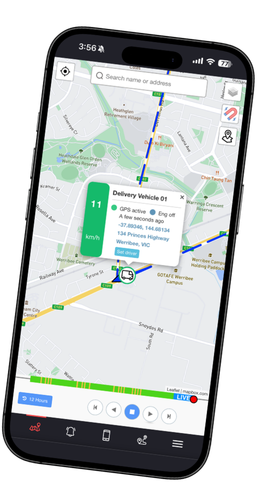
Driver and Vehicle Management
Keep every vehicle, driver and job organised from a single place. Assign who is driving what, see status and health at a glance, reserve vehicles so there are no clashes, and keep a clean history for reports and compliance.
Driver and Vehicle Management
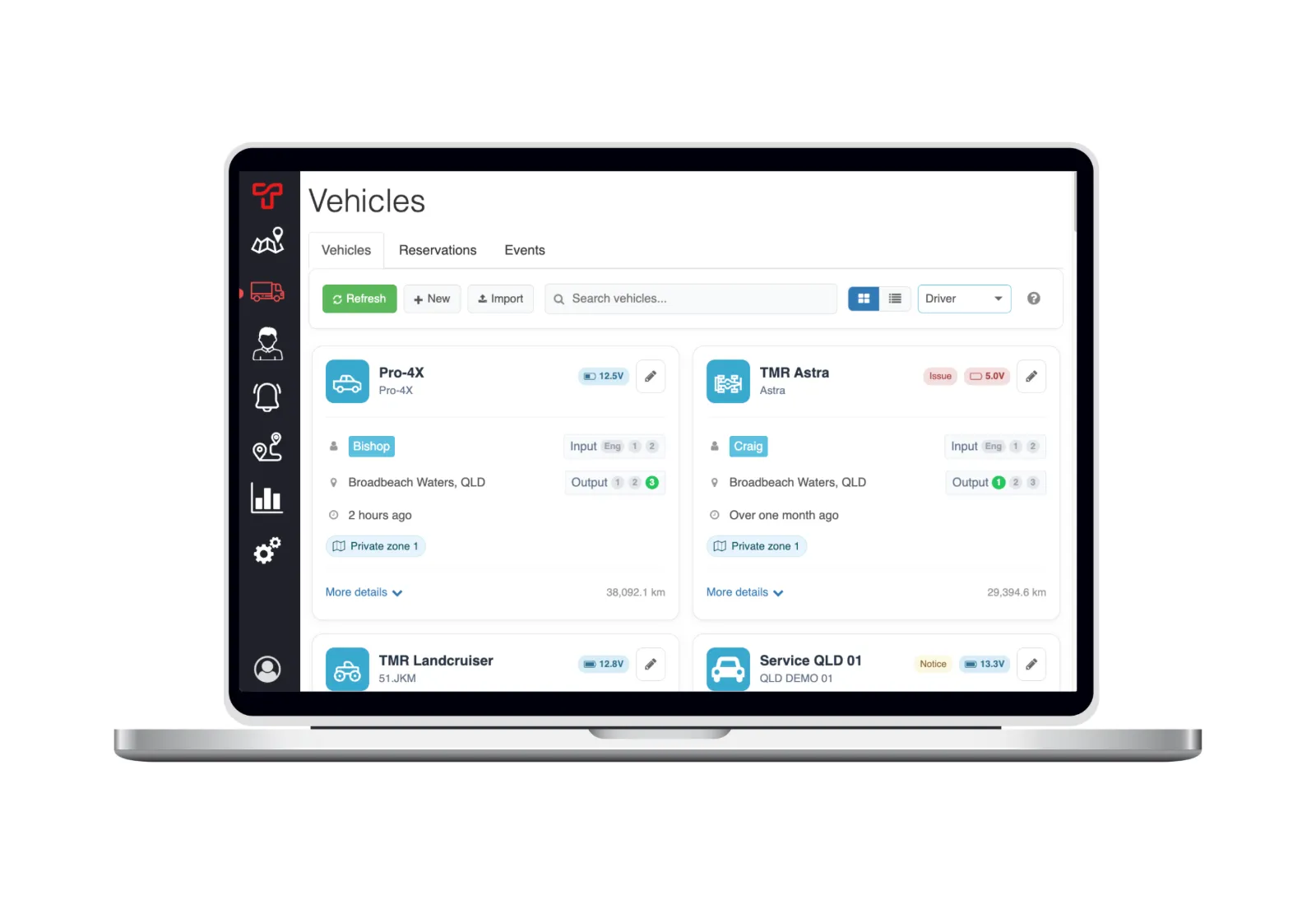
Open the Vehicles tab to see the essentials on one screen: vehicle name, assigned driver, registration, odometer, current suburb, tracker power, last communications and operational status.
- Assign drivers in seconds
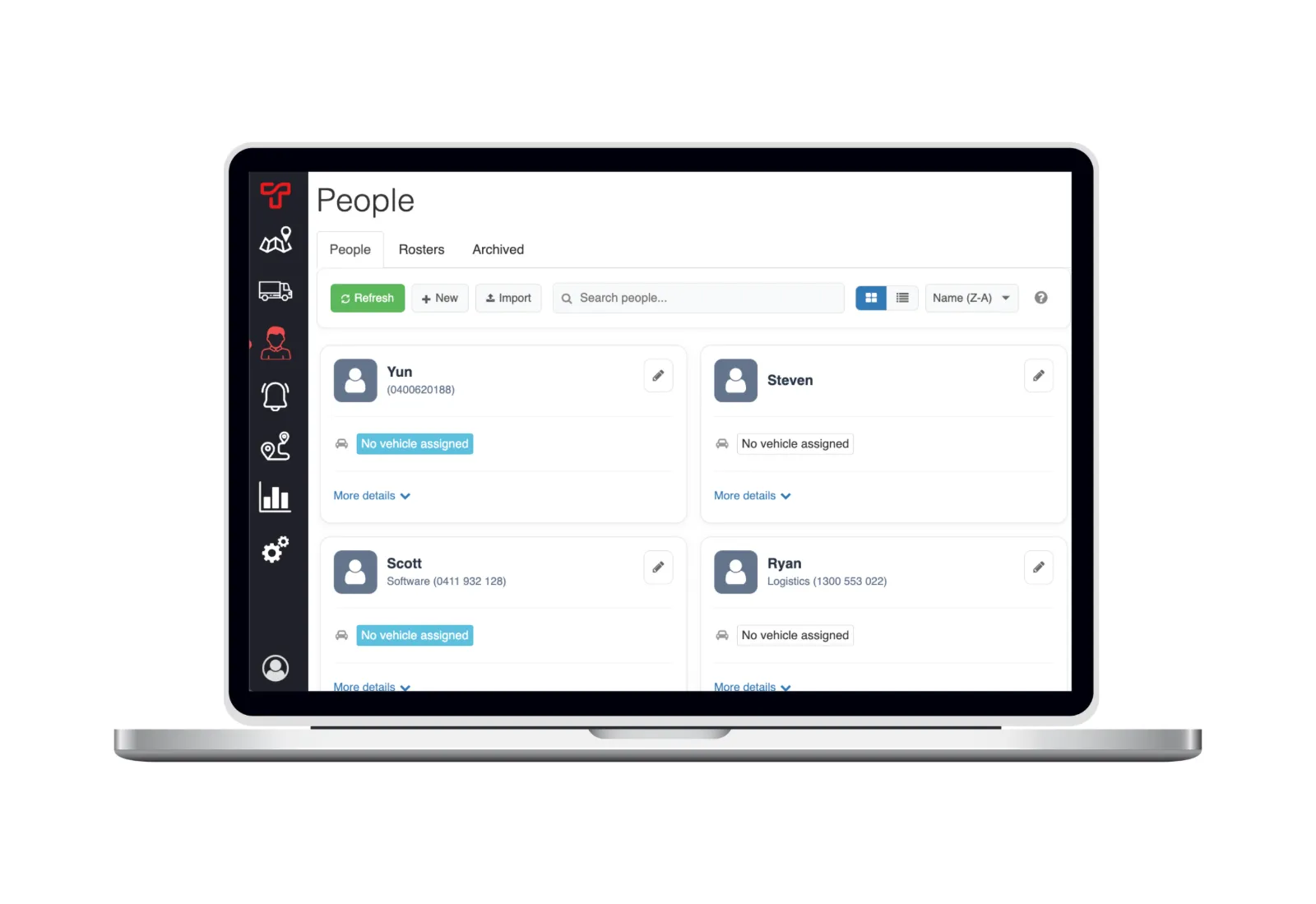
Click the driver cell to assign someone, or let drivers select the vehicle themselves in the TMR mobile app. We keep records accurate by ensuring a vehicle has one active driver and a driver is in one vehicle at a time. - Add new vehicles with zero fuss
Click New and choose Mobile tracked vehicle or Hardware tracked vehicle.
For hardware, select Track a new vehicle, enter the Communication ID from the label, add the rego name and time zone, and submit. Your new tracker appears in the list and begins reporting as soon as it is powered.
Driver and Vehicle Management
Why choose our Driver and Vehicle Management system

Immediate visibility

Clean data for reports and tax

Less admin, more accountability

Built for mixed fleets
Step 1
A supervisor opens Vehicles at 7am, assigns two unallocated utes, sees a red issue pill on a spare and learns it has simply been parked up for a month. No wasted workshop ticket.
Step 2
The scheduler checks Reservations and moves a booking to avoid a clash, then adds a repeating reservation for a regular Friday run.
Step 3
A new hire is added in Drivers with a keyfob ID. When they tap on next week, their journeys are automatically classed as business during rostered hours.
Step 4
Later, an ignition threshold is updated over the air. The Events log shows the device responded, so there is no guesswork.

Driver and Vehicle Management
Fleet sharing only works when everyone can see what is available. Business benefit: fewer phone calls, fewer keys changing hands, and a complete record that feeds straight into reports and tax logbooks.
- Use the Reservations tab to book vehicles ahead of time, set start and finish times and choose whether journeys during that period are recorded as business or private.
- Create repeating reservations for regular runs so crews always know what they are driving at set times, for example every Monday at 7am.
- The calendar view shows the day, week or month so planners can balance demand and avoid costly conflicts.

Drivers
Drivers give you the same clarity over people as you have over vehicles. View a complete driver list with phone numbers, last communications, device power level and mobile tracking status, then assign drivers to vehicles or let them log in via the app or by tapping a driver ID keyfob in a hardware-equipped vehicle.

Work Rosters
Rosters determine when someone is on the clock and help classify journeys as business or private automatically. See a day or week view of who is working and when. Plan cover, reduce clashes and keep timesheets honest without chasing people.

Archived
When a driver leaves the business, archive them. Their name stays in historic reports, which keeps your records complete and your audit trail intact.
Get a tailored quote that shows the best setup for your business. Serving Australian fleets for over fifteen years with weekday support.