Reports that generate you ROI
Since 2011, we have refined our Reports module year-on-year to turn raw GPS data into decisions you can act on. Today, we are proud to offer our fastest and clearest reporting experience yet, regularly cited by customers for its superior accuracy, utility, and ease of use.
How every report works
- Pick a time period to analyse, from today through to last year.
- Run reports for one vehicle or driver, a group, or your entire fleet.
- Apply quick filters such as business hours presets, weekdays, weekends, mornings, afternoons or evenings.
- Export to CSV, Excel or PDF for your accountant, insurer or board.
- Schedule automatic emails so reports arrive when you need them. Set the day, time, timezone, vehicles and period.
Track My Ride
Time in Zones
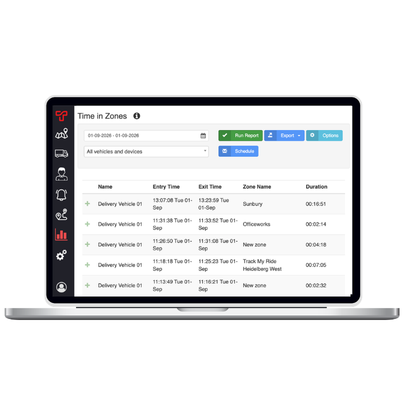
Measure exactly how long vehicles spend at your depots, customer sites and delivery bays. The report shows entry and exit times for each zone and the duration on site. Use it to prove time on site for billing, monitor service level agreements and spot bottlenecks in your day.
Journeys
See the source data behind every insight. Inspect each recorded point with timestamp, latitude and longitude, speed, bearing, accuracy, power and ignition status. Engineers and compliance teams use it for deep audits and to explain unusual events with certainty.
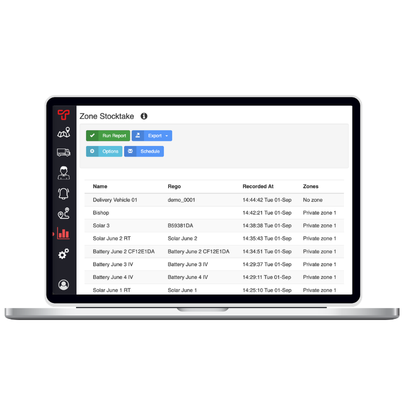
Zone Stocktake
Know where everything is right now. Snapshot all vehicles by zone with timestamps so you can reconcile assets against yard lists, job sites or depots in seconds.
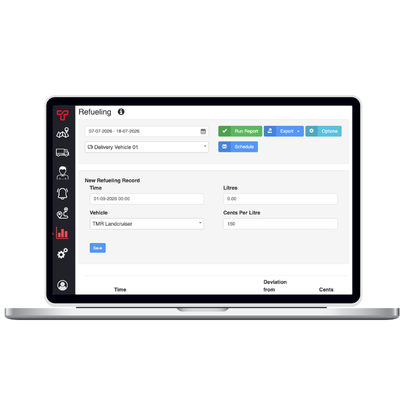
Refuelling
Track fuel entries and calculate average consumption in L per 100 km. Spot outliers that may point to card misuse, leaks or maintenance issues. Over time you can see trends and verify that route and behaviour changes are cutting fuel spend.
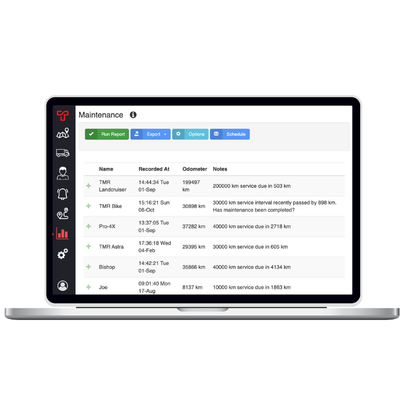
Maintenance
Stay ahead of servicing. The report looks at odometers and flags vehicles that are within 20 percent of a service window or have passed it. Managers use the list to plan workshop time, reduce breakdowns and keep warranties intact.
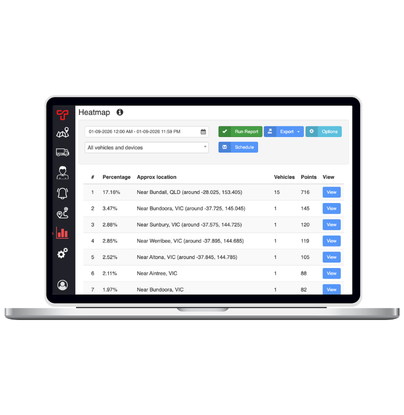
Heatmap
Find the places your fleet visits most. We analyse billions of GPS points and group them into map tiles ordered by activity. It is a fast way to identify hot spots for sales, areas with idle queues or locations that deserve a permanent geozone and automated report.
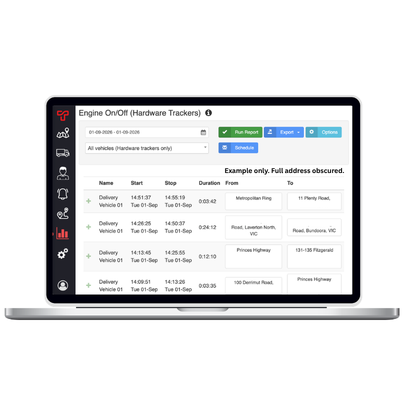
Engine On and Off
For hardware-tracked vehicles, see every ignition cycle with time, location and duration. Use it to confirm start and finish times, detect after-hours use and compare patterns across teams.
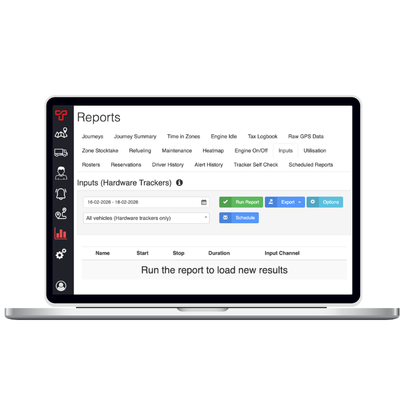
Inputs
When you connect external equipment to a tracker input, this report shows how long that equipment was active. Customers track items such as bin lifters, pumps, safety light bars or PTOs to verify work performed and prove compliance on jobs.
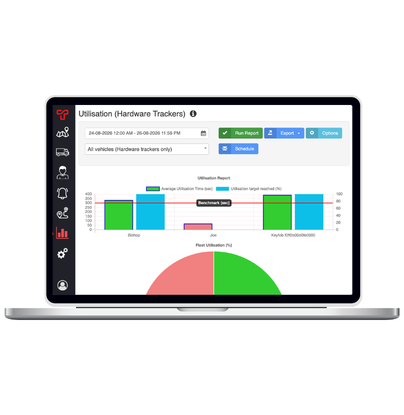
Utilisation
Measure whether key events meet your benchmark duration. Ideal for machinery and services work. For example, confirm that a tilt tray operated for the expected time on each tow, or that a generator ran long enough during a site test.
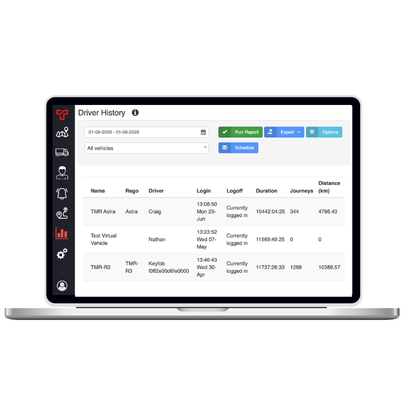
Driver History
See which drivers were in which vehicles and for how long. The report lists log-in and log-off times, journeys and distance for each driver. It supports clean allocation of costs, training and compliance audits.
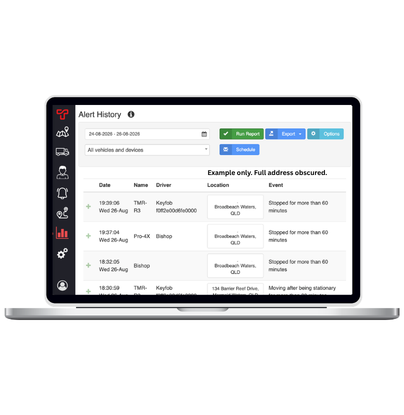
Alert History
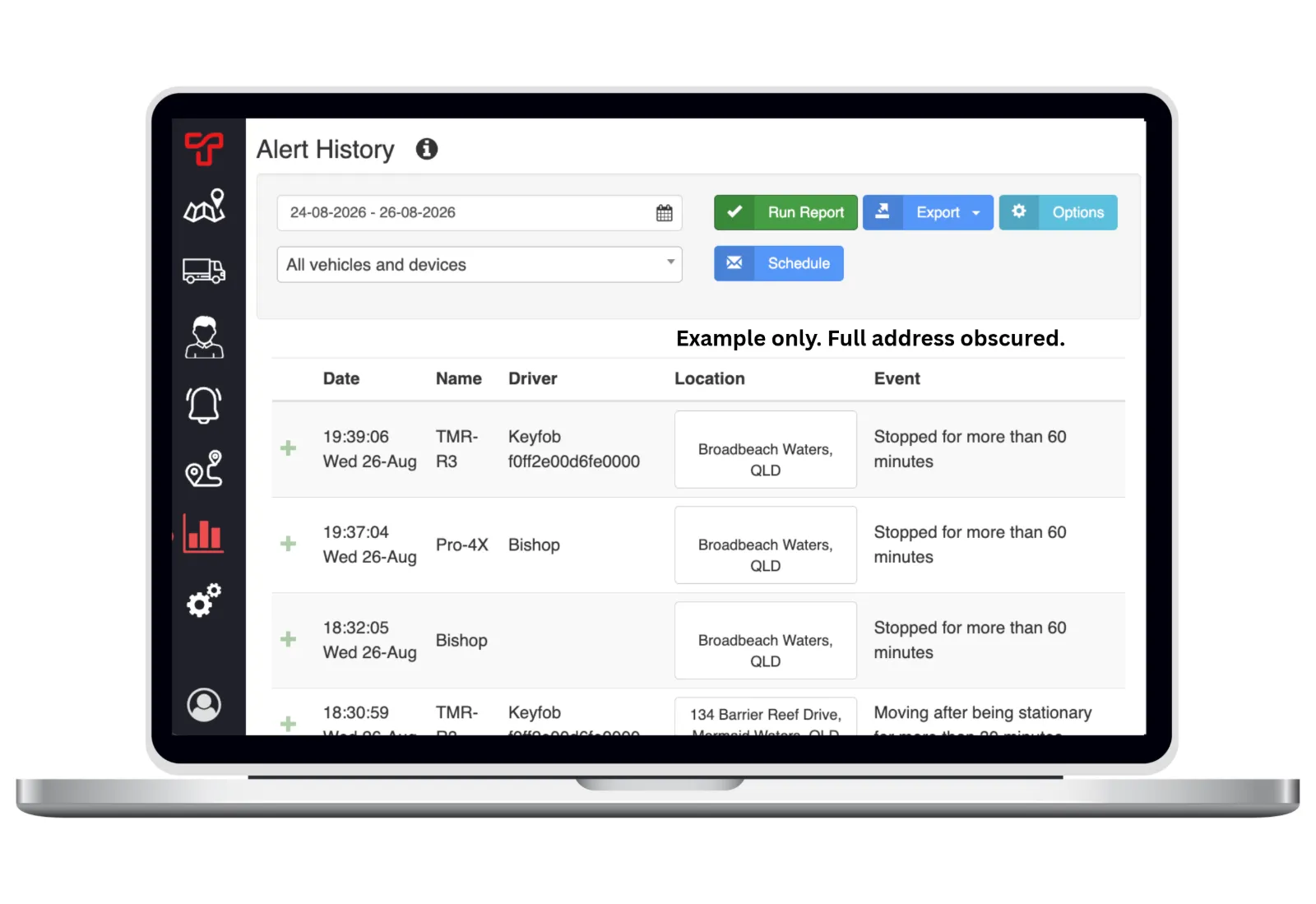
Review every alert your account raised with the who, where and when attached. Link events back to the journey in question to understand context, follow up with staff and close the loop in your safety system.
Tracker Self-Check
Run a health scan across your installation. The report checks power, GPS signal, communication history and other indicators, then flags issues with clear notes. It helps you fix problems early so accuracy and reliability stay high.
Track My Ride

Journeys
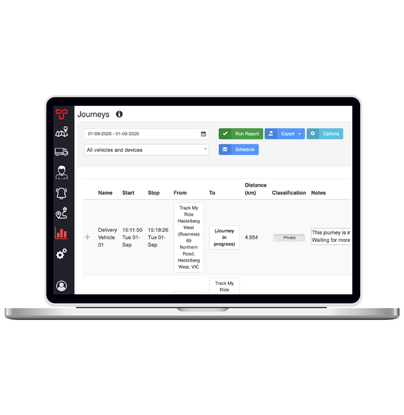
See every trip from A to B at a glance. Each row shows start and stop times, duration, where a journey began and ended, kilometres travelled, live odometer readings, business or private classification and any notes.
Managers use Journeys to verify arrival and departure of their employees, check routes taken and resolve disputes without phoning drivers.

Journey Summary
Totals and averages for the date range you choose. View number of trips, average and total journey time, average and total distance, average speed and top speed for each vehicle or driver.
It is a quick way to spot utilisation issues, overworked assets and training needs, then back your decisions with clear figures.

Tax Logbook
Create an accountant-ready record of business and private use. The table lists each journey with times, addresses, distances and classification. Headline totals at the top show starting and ending odometer, total kilometres, business kilometres, private kilometres and your business use percentage for the period.
It is the simplest way to stay compliant and claim what you are entitled to.
Get a tailored quote that shows the best setup for your business. Serving Australian fleets for over fifteen years with weekday support.